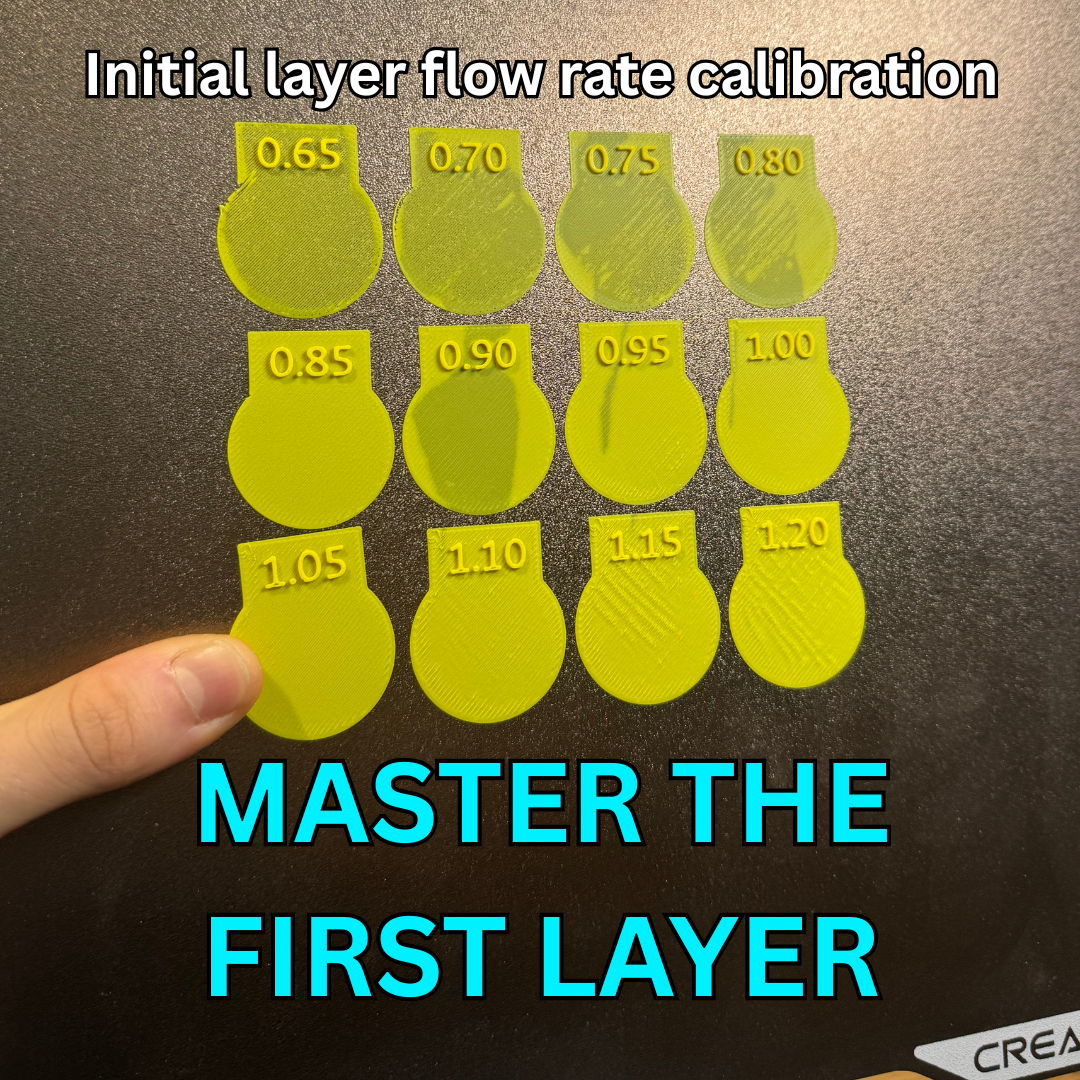
Description
Initial Layer Flow Rate Calibration Test
📏 Flow Ratios Tested This model evaluates twelve different initial layer flow ratios to help you master the first layer:
- 0.65
- 0.70
- 0.75
- 0.80
- 0.85
- 0.90
- 0.95
- 1.00
- 1.05
- 1.10
- 1.15
- 1.20
⚙️ Print Settings & Profile
- Layer Target: Initial Layer (First Layer).
- Ready-to-Print: The included .3mf file has all the specific modifier blocks pre-configured with the exact flow ratios. Just hit slice and print!
🛠️ How to Evaluate Your Print
- Print the model using the provided .3mf profile.
- Once finished, inspect the top surfaces of the printed first layer patches while they are still on the build plate.
- Check for Under-extrusion: If the lines leave distinct gaps, fail to connect to the perimeters, or feel rough and under-filled (typically on the lower ratios like 0.65 to 0.80), the flow is too low.
- Check for Over-extrusion: If the surface has raised ridges, feels like sandpaper, or looks messy because the nozzle is plowing through excess plastic, the flow is too high.
- The Winning Setting: Look for the patch that is completely smooth, perfectly flat, and tightly filled without any ridges or gaps. Note the number on the top of that section and update your slicer's first layer/initial layer flow ratio setting!
Category
License
This model is licensed under
Creative Commons Public Domain

Similar models
14892
calibration • top layer • 3d printed top layer
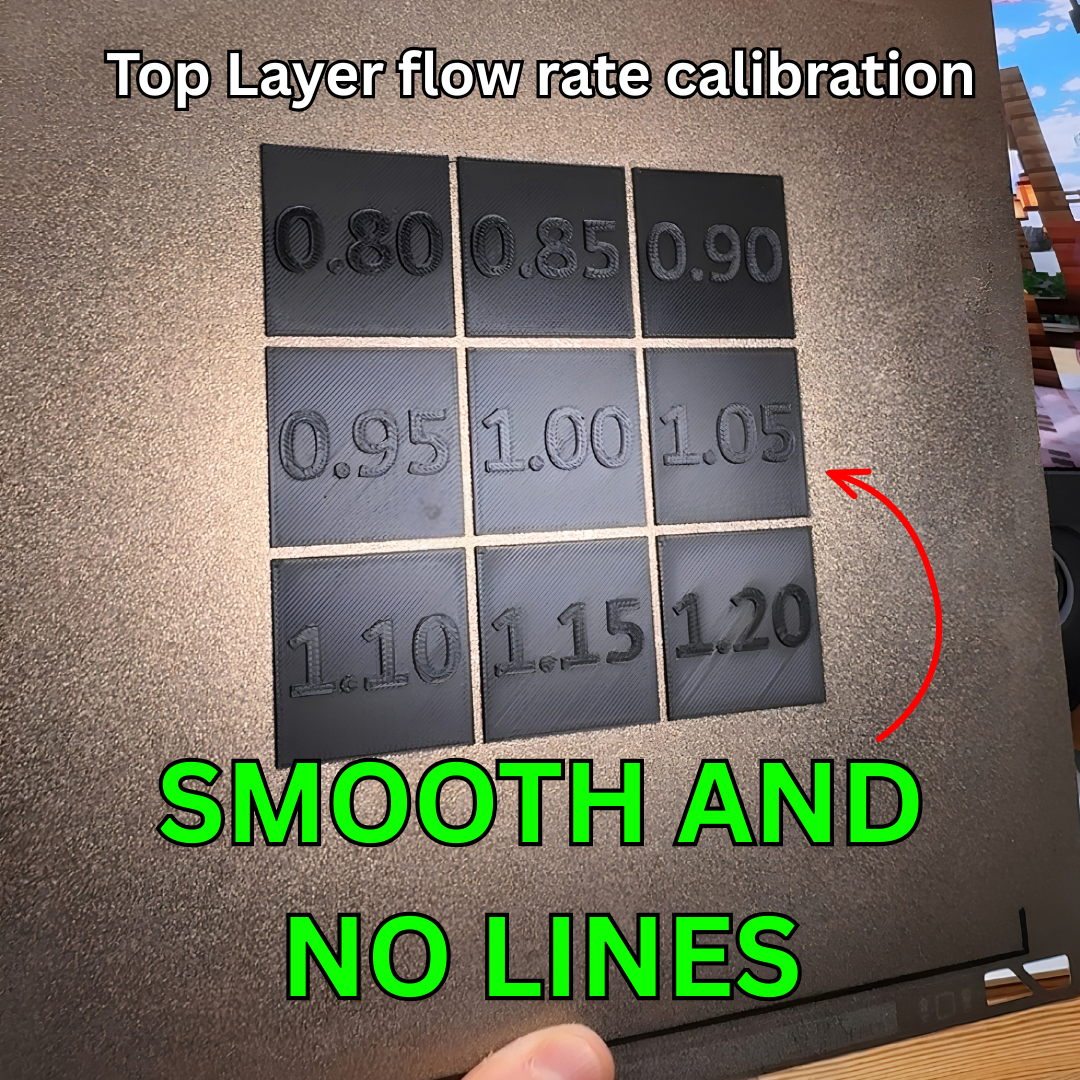
Top Layer flow rate calibration - Get smooth top layers with no lines
6884
21580
2455
infill • 3d print infill • density for 3d printing
Infill Percentage Sheet For Clear Use
10

33

140
116
Comments