Description
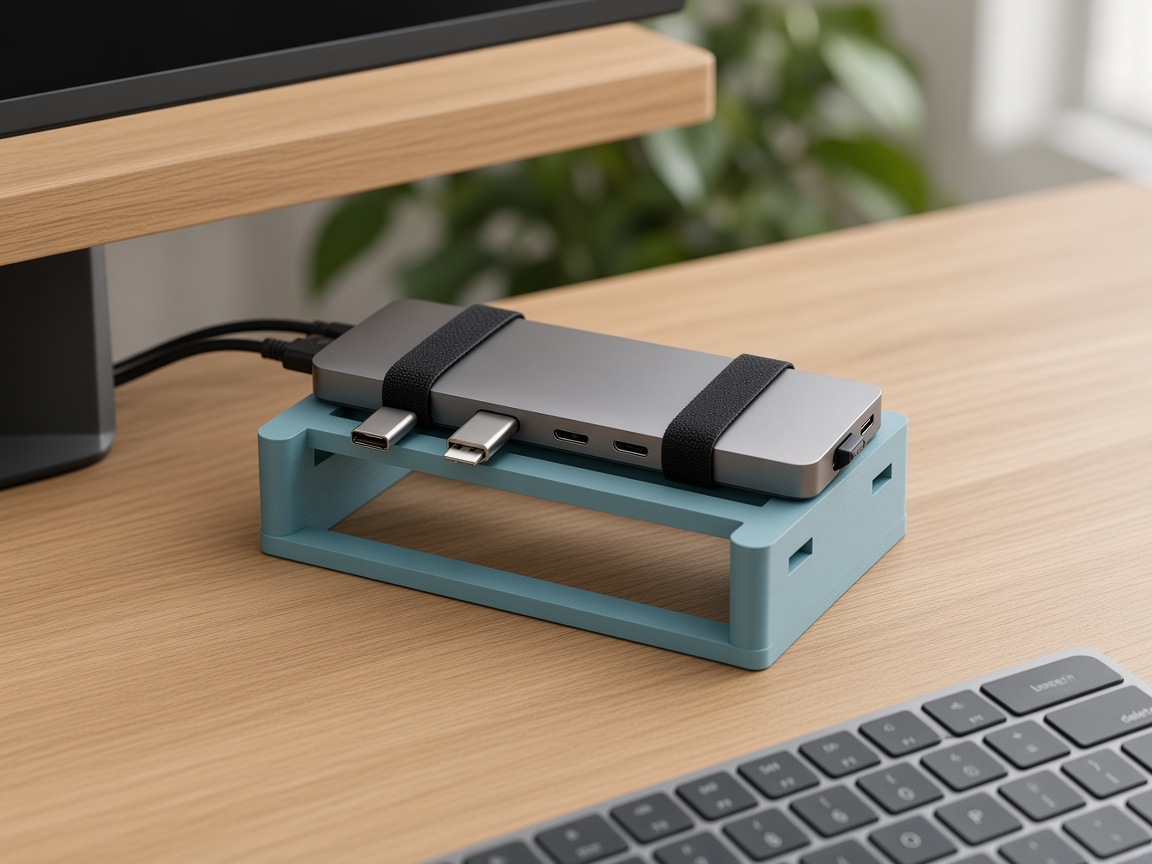
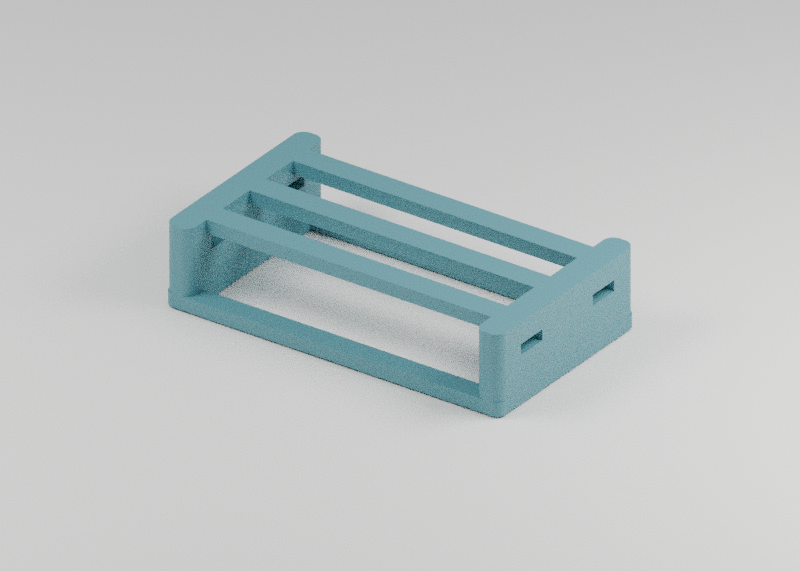
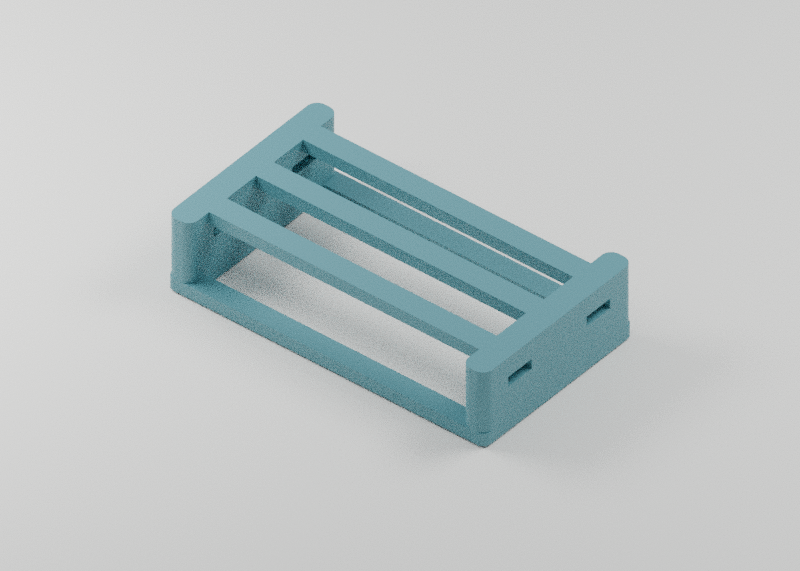
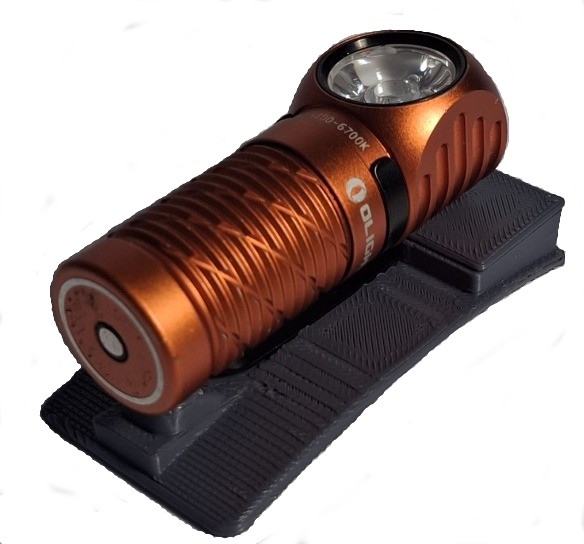
Port lifts a USB-C hub off the desk onto an open, slatted deck, so air can move around it and the ports on both sides stay easy to reach. Two hook-and-loop straps hold the hub in place.
Fits
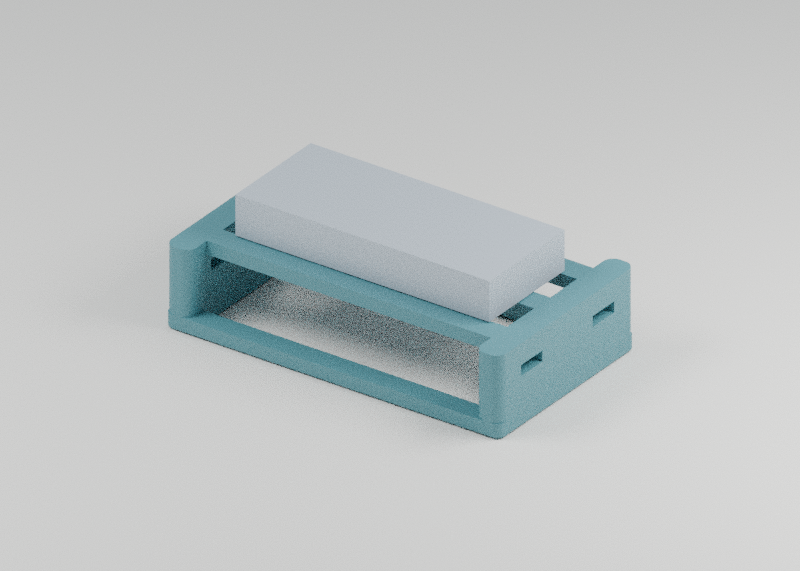
- Hubs up to 110 x 50 x 20 mm
- Check that your hub's ports and cables clear the slats and straps
You'll need
- Two 10 mm hook-and-loop straps
- Silicone feet (optional)
Printing
PETG, 0.2 mm layers, 4 walls, 25% gyroid. Base down, with supports under the deck and the strap slots.
Setup
- Thread the two straps through the slots in the ends.
- Set the hub on the deck and strap it down.
Keep the hub's vents clear and don't stack power bricks on top of it.
Files
port_hub_stand.stl: the standport_clearance_gauge.stl: quick tolerance test with 10.2, 10.4 and 10.6 mm slots. Slide a 10 mm rod or drill bit through to see how snug your printer runsport_source.zip: CadQuery source, preset and STEP files. Rebuild withpython source/model.py presets/default.json
Part of my Android desk set, twelve simple prints for Android phones and the gear around them. Remixes welcome!
Not made by or affiliated with any of the brands mentioned. Model names are only here to say what it fits.
This model is licensed under
Creative Commons Attribution-NonCommercial
This licence allows derivative works. Open it in a tool to build on it — credit is filled in for you when you publish.
Port Ventilated USB-C Hub Stand | Strap-Mount Hub Bridge | Desk Cable Management

Print Profiles
+Show Print ProfilesDiscussed in
Similar models
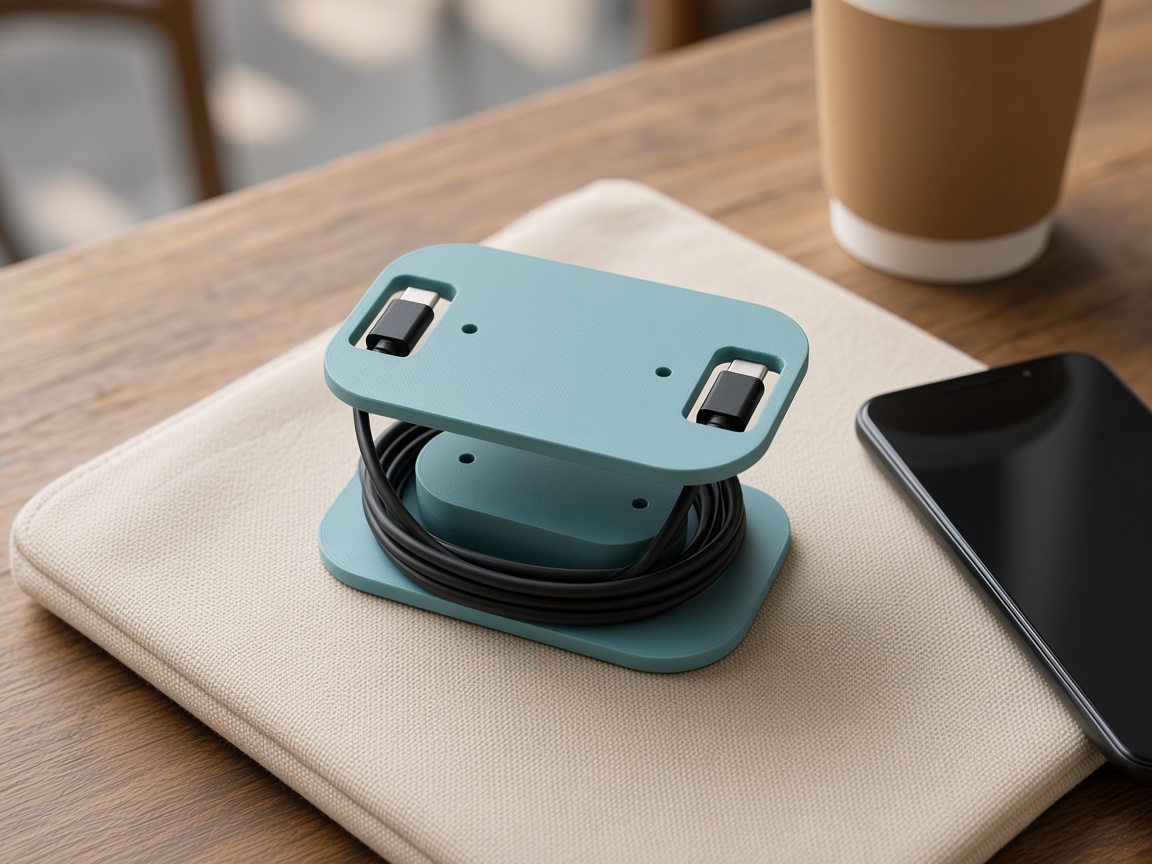
Moto G • Motorola • cable organizer
Loop USB-C Cable Travel Reel | Moto G 2025 Charging Cable Organizer | No Supports
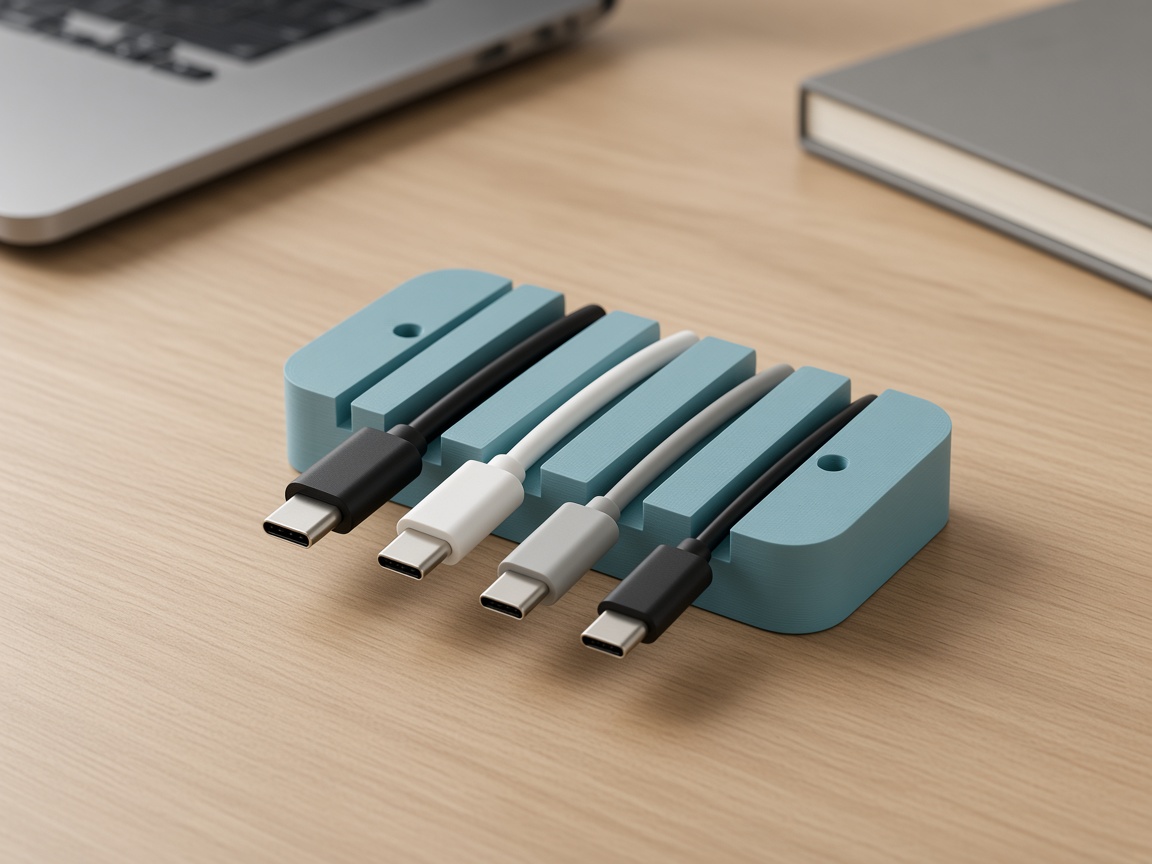
cable organizer • cable management • desk
Rill Weighted Desk Cable Organizer | Four Channels for USB-C Cables | Hidden Washer Ballast
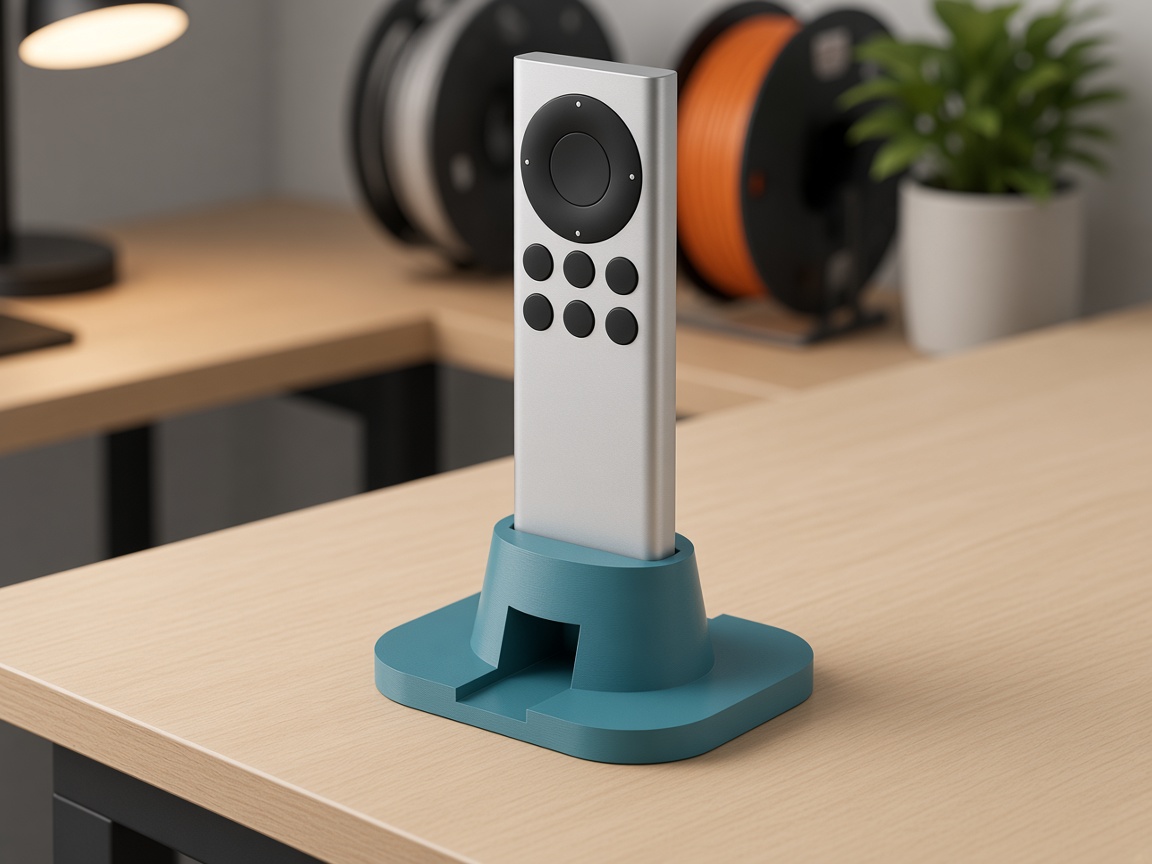
Siri Remote • Apple TV • remote holder
Pebble Siri Remote Stand, USB-C Model | Upright Holder with Cable Channel | Open Source CadQuery
Galaxy S25 Ultra • Samsung DeX • Samsung
Arc Phone Stand for Galaxy S25 Ultra | Room for a USB-C Cable | Samsung DeX Desk Setup



Comments