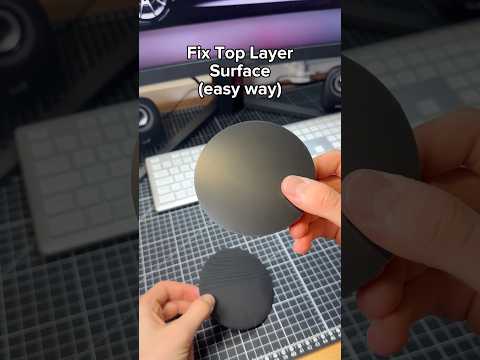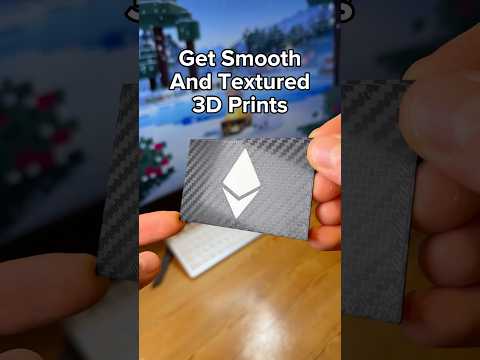
About this video
Why Learning 3D Printing for Free Is Easier Than Ever
Getting started with 3D printing used to mean buying expensive courses or thick manuals. Today, a handful of free resources cover everything from printer mechanics to advanced slicer tuning. Below are the three best places to learn 3D printing completely free, broken down by what each one does best.
1. YouTube — Visual Fundamentals of How a 3D Printer Works
YouTube remains the single richest free library for beginner 3D printing tutorials. The fastest way to build intuition is to watch a clear animation of how a FDM 3D printer works: the motion system, the hot end, the extruder, the heated bed, and the cooling fan. Once you can picture the toolpath in your head, every later concept — retraction, z-hop, layer adhesion — clicks into place. Look for channels that focus on printer basics, G-code explainers, and step-by-step calibration walkthroughs.
2. Your Slicer — Built-In Tooltips and Animated Explanations
Most beginners overlook the learning tool hiding inside their slicer. Open Cura, PrusaSlicer, OrcaSlicer, or Bambu Studio and simply hover over any setting name. Click the tooltip and the software will open a fully explained concept with diagrams, animations, and real-world examples. This is the fastest way to learn what each parameter actually does — from layer height and line width to infill patterns, supports, and print speed. Treat your slicer as an interactive textbook rather than a black box.
3. PrintPal — Bite-Size 3D Printing Tips and Tricks Library
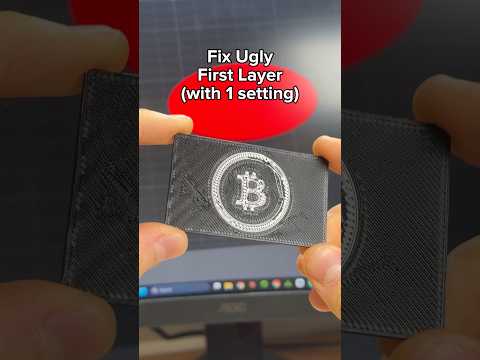
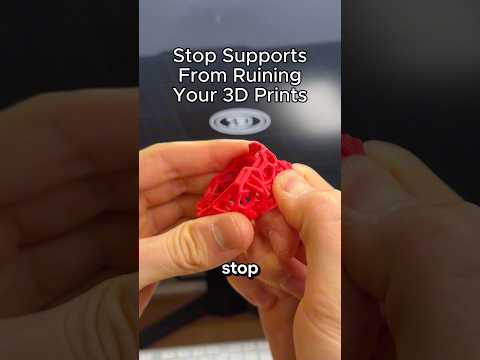
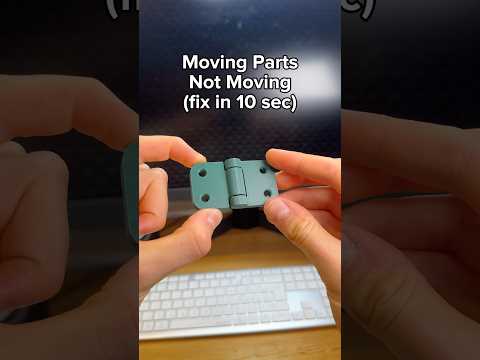
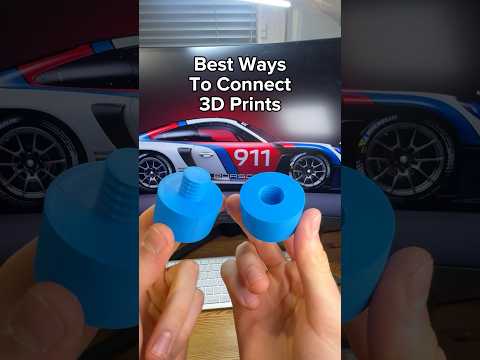
PrintPal hosts a growing library of short-form 3D printing videos, each designed to teach one specific skill in roughly 20 seconds. Topics range from first-layer adhesion and bed leveling to stringing fixes, retraction tuning, and material swaps. Because every clip is short, you can jump straight to the exact problem you are troubleshooting without scrubbing through a 20-minute tutorial.
Quick Tips for Self-Teaching 3D Printing
- Start with printer anatomy before touching any settings.
- Change one slicer parameter at a time so you can see its effect.
- Keep a small notebook of successful profiles for PLA, PETG, and ABS.
- Re-watch short clips whenever a print fails — most issues have a 20-second fix.
FAQ
Do I need a paid course to learn 3D printing?
No. Free YouTube animations, slicer tooltips, and short-form libraries cover every beginner topic.
Which slicer is best for learning?
Cura and OrcaSlicer both have excellent hover-over explanations for every setting.
How long does it take to learn the basics?
With daily 20-minute practice, most beginners can troubleshoot their own prints within two to four weeks.