Learn 3D printing in 7 days, day 7, part 2: the right-click menu
Learn 3D printing in 7 days, day 7: hidden slicer features
Learn 3D printing in 7 days, day 6, part 2: PLA, PETG, TPU, ABS and ASA
Learn 3D printing in 7 days, day 6: filament settings explained
Learn 3D printing in 7 days, day 5, part 2: support, seam and color painting
Learn 3D printing in 7 days, day 5: slicer tools to place your model
Learn 3D printing in 7 days, day 4, part 2: brims and vase mode
Learn 3D printing in 7 days, day 4: tree vs normal supports
5 do's and don'ts of 3D printing settings, part 2
5 do's and don'ts of 3D printing settings you should know
3 Most annoying things in 3D Printing and how to fix them
Make Custom 3D Printed Organiser in 10 seconds
How to 3d print an Etsy bestseller!
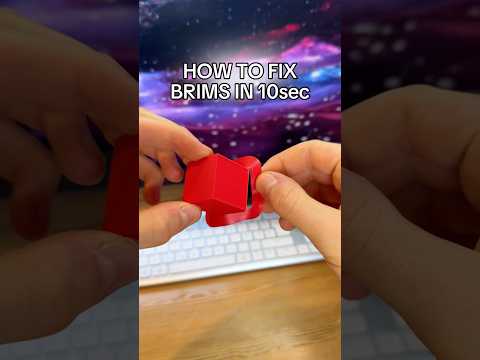
Fix ruined brims on your 3d prints in seconds
3D Print custom organizers without modeling
3D Printing tools you should know part 12: build your own fantasy map
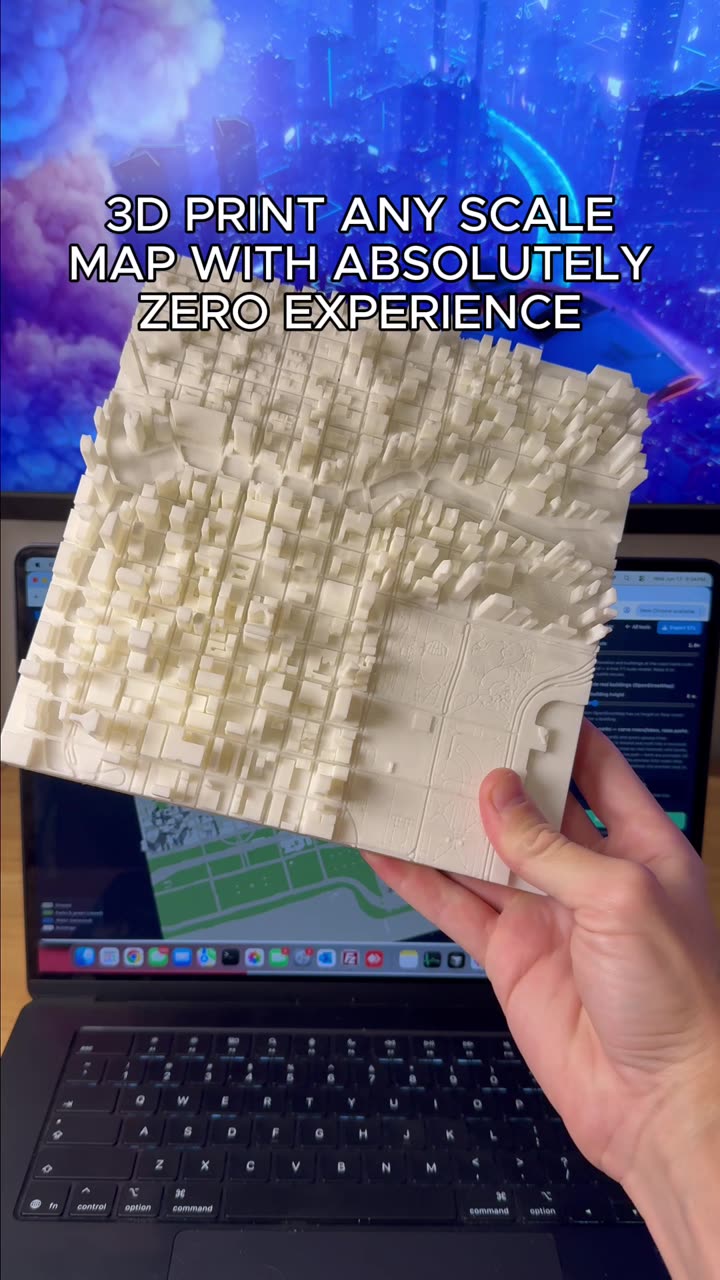
How to make a 3D scale map
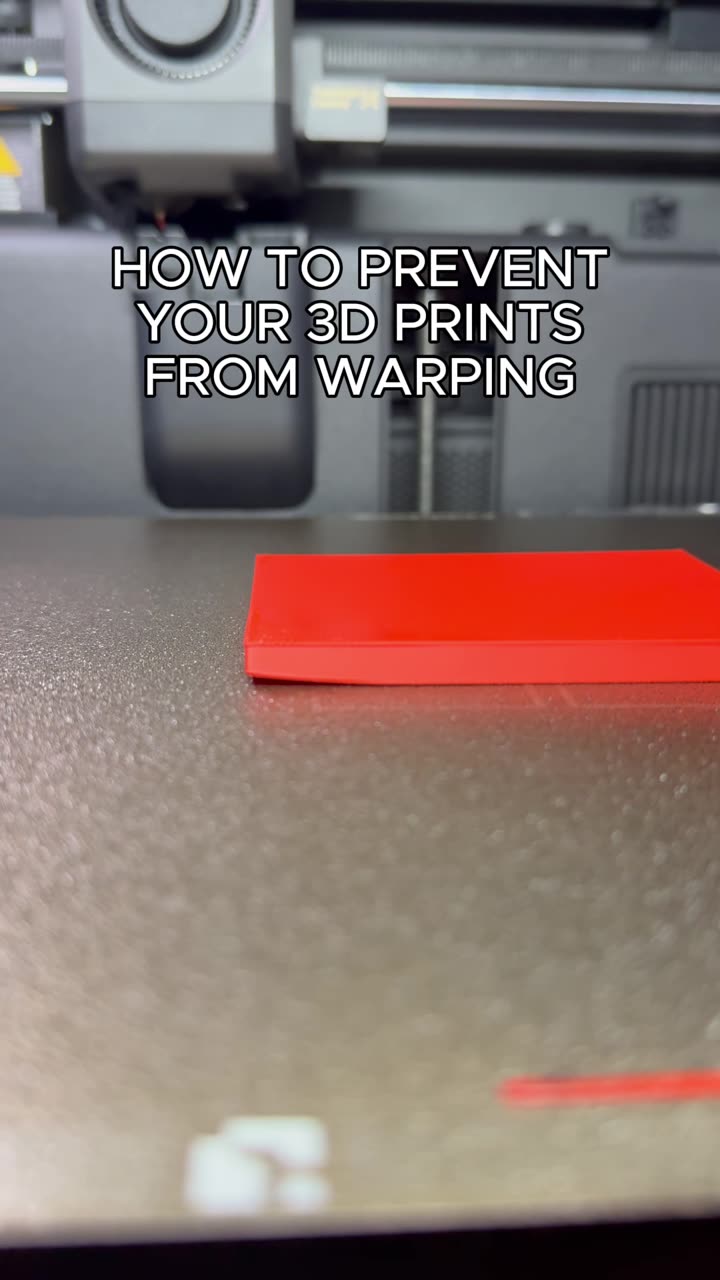
Stop your 3D Prints from warping
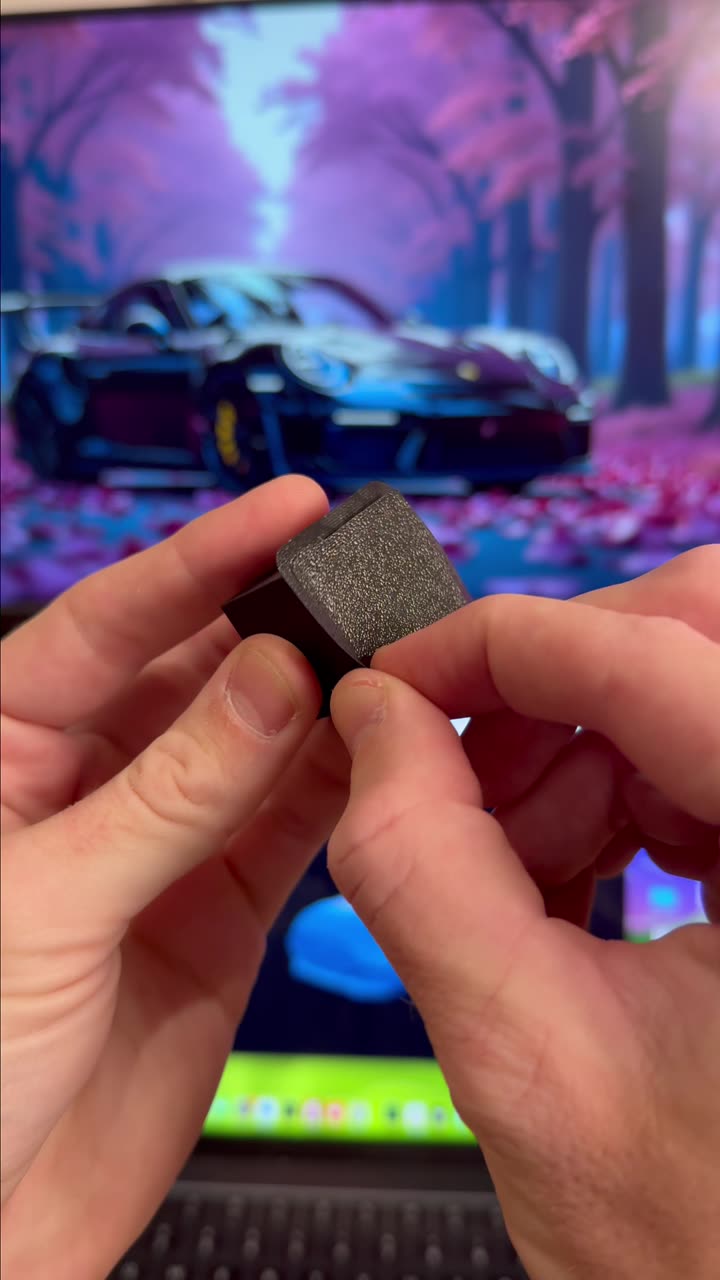
How to cleanly remove the brim from your 3D Prints
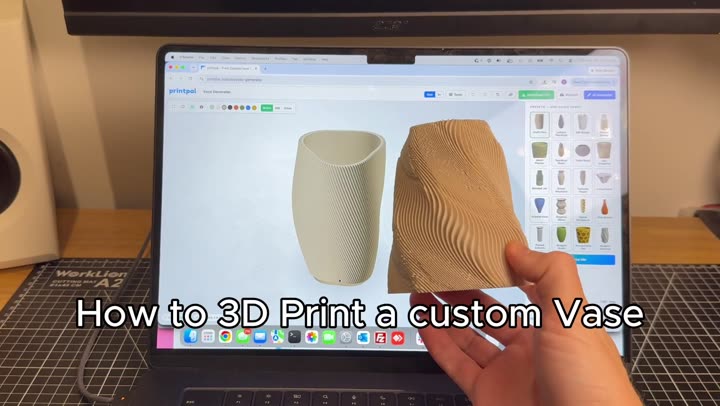
Design a one-of-a-kind vase in your browser. Start from a preset, reshape it with sliders, twist it, add a wavy rim, check it for print issues and download the STL. Free, no signup.